
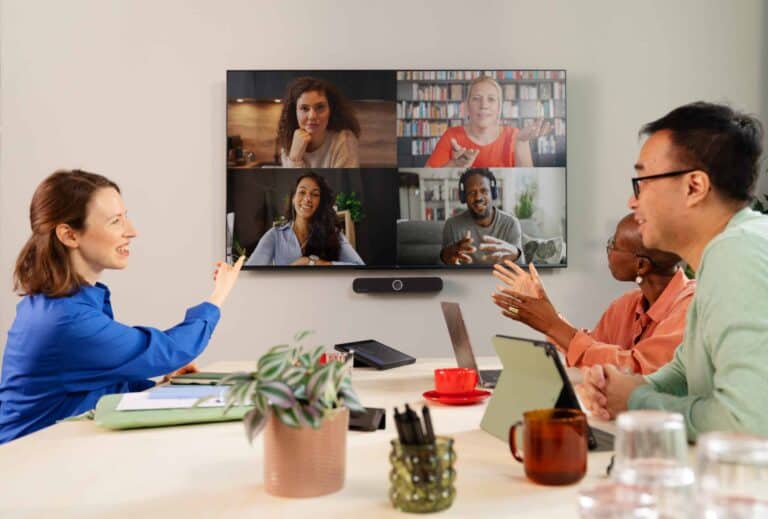
Organizations are geared up for video conferencing, but their solutions aren’t always mature. ClickShare, part of Barco, is working on both the ease of use and security of the meeting experience, whether it is fully digital, physical, or hybrid. With Teams certification for the ClickShare Hub and Sennheiser bundles in hand, the ClickShare proposition is more robust than ever, according to our conversation with Oliver van Camp, Product Director Meeting Experience at Barco.
ClickShare has been producing wireless solutions for all kinds of meeting rooms for fourteen years. A key feature is the ClickShare Button, which has served as an intuitive connection point between laptops and screens since 2012. This ‘one-click wonder’, as ClickShare describes it, is now five generations old. Today, 4K streams via USB-C are possible with a range of 30 meters between the Button and Base Unit. Although the intention behind the product is the same as in 2012, ClickShare has made many improvements to its own portfolio. This is still the case today, as evidenced by the fact that Microsoft has awarded Teams certification to the bundle including ClickShare Hub and Sennheiser soundbar.
Van Camp calls the Teams certification of the ClickShare Hub bundles an important step in ClickShare’s nearly fourteen-year history. This ‘seal of approval’ indicates that users can expect a certain level of quality, consistency, and reliability. More specifically, the adoption of MDEP, or the Microsoft Device Ecosystem Platform. It is an Android-based operating system that serves as the foundation for communication hardware. However, ClickShare did not stop there; knowledge gained in the past has played a crucial role in ensuring security beyond MDEP alone.
Years of expertise in secure by design
Van Camp explains this further. “It is part of Barco’s culture to make equipment secure by design.” An example of this is ISO 27001 certification. “We ensure that we organize and carry out penetration tests on our solutions.” From hardware to software, ClickShare has been extensively tested. One of the enhancements on top of MDEP itself is the removal of third-party libraries, which Barco itself tested for vulnerabilities.
In addition, MDEP uses Remote Key Provisioning. This allows systems to be kept secure remotely. If a ClickShare device is lost, access does not simply remain active. Administrators can revoke this or set rules that the keys must be reapproved if the device in question connects via a different IP address. The combination of MDEP and the ClickShare management layer prevents organizations from becoming vulnerable through their video conferencing solution.
Simplicity first
The ClickShare Button is designed to be plug-and-play ready. That sounds like a basic requirement, but everyone is familiar with what can go wrong with video conferencing. Van Camp points out that a disconnected HDMI cable or a failed update are the biggest headaches. IT frustrations, even at high-tech companies, are so simple in nature when it comes to setting up video calls.
(The text continues below the image)
That is why users today often favor a Bring Your Own Device policy. Whether in the office or working remotely, their own laptop is often the most popular endpoint. The proposition of ClickShare (and specifically the ClickShare Button) revolves around removing friction between personal devices and screens in meeting rooms. Van Camp: “Users have the most confidence in and are most familiar with their own laptop. So if they have to make a Teams or Zoom call in a meeting room once a week, they know how to do it on their own device.” In other words: with a USB-C connection via the Button.
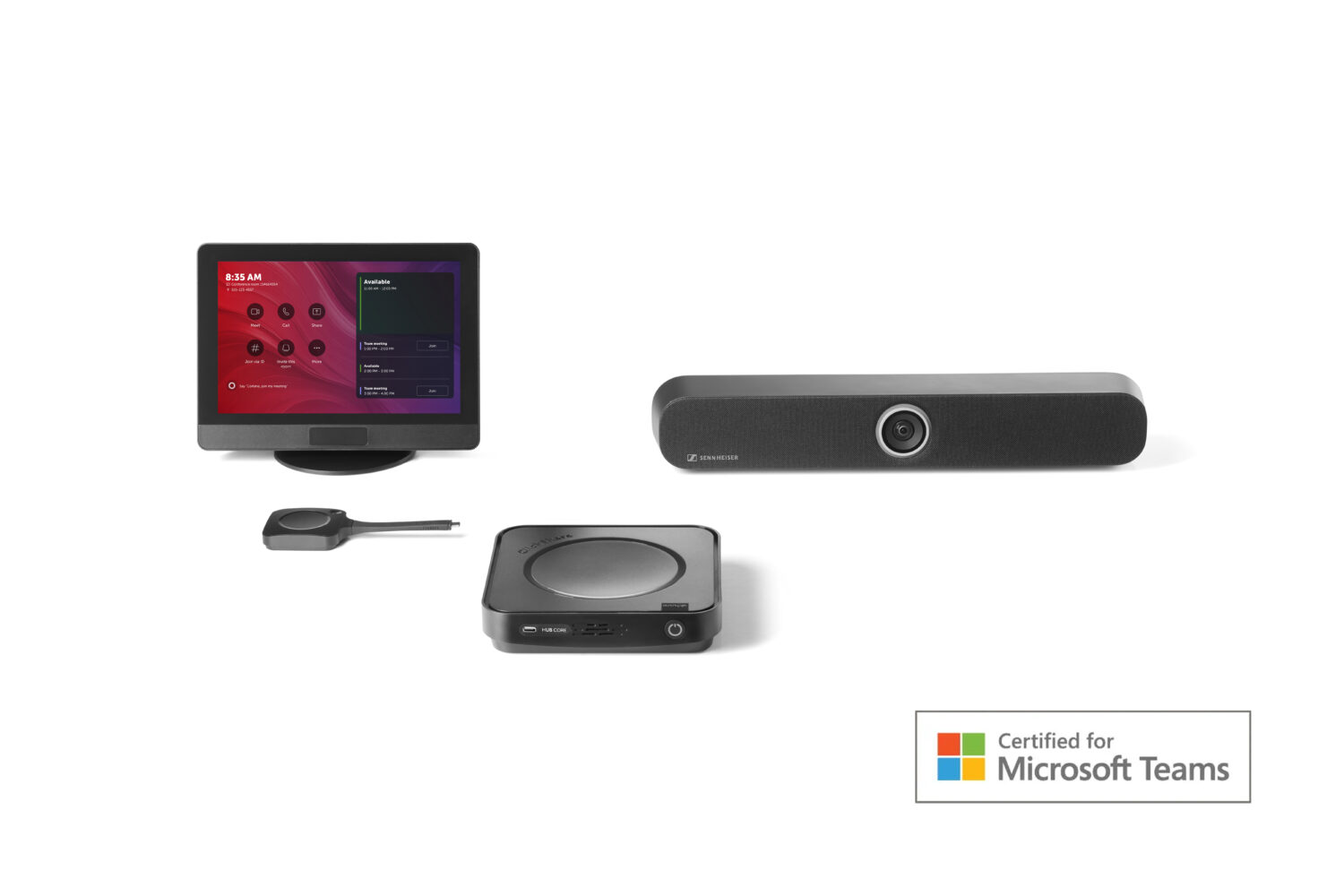
Every meeting room can be equipped with a ClickShare Hub, available in two versions. The Core version has one Button that is wirelessly connected to the Hub in question. The Teams-certified bundle combines the Hub Core with the Sennheiser TeamConnect Bar S. This solution is aimed at small meeting rooms. For a larger setup, there is the ClickShare Hub Pro in combination with the TeamConnect Bar M. The Hub Pro contains two ClickShare Buttons.
Both the bundle with the Hub Core and the Hub Pro come with a ClickShare Control Panel, designed to start hybrid meetings with a single click. There is no prior installation required, and management is handled via ClickShare’s existing management software.
Feature-proof
Solutions such as Microsoft Teams, Zoom, and Google Meet integrate AI to simplify meetings. Automatic summaries, transcripts, and even virtual participants are designed to help staff get more out of meetings. The fact is, however, that none of this works if technological problems get in the way. Van Camp: “The next wave of collaboration is all about intelligence.” At ClickShare, that intelligence is mainly about the work that has been done in advance so that end users don’t have to worry. Or, as Van Camp puts it, the company’s solutions must be “feature-proof.”